

Is it safe to link your Facebook account to mobile games? In most cases, yes—especially when you’re connecting to well-known games through Facebook Login.
However, the amount of information a game can access depends on the permissions you approve and the game’s privacy practices.
Understanding what data is shared, why developers request Facebook access, and how to manage those permissions is essential before linking your account.
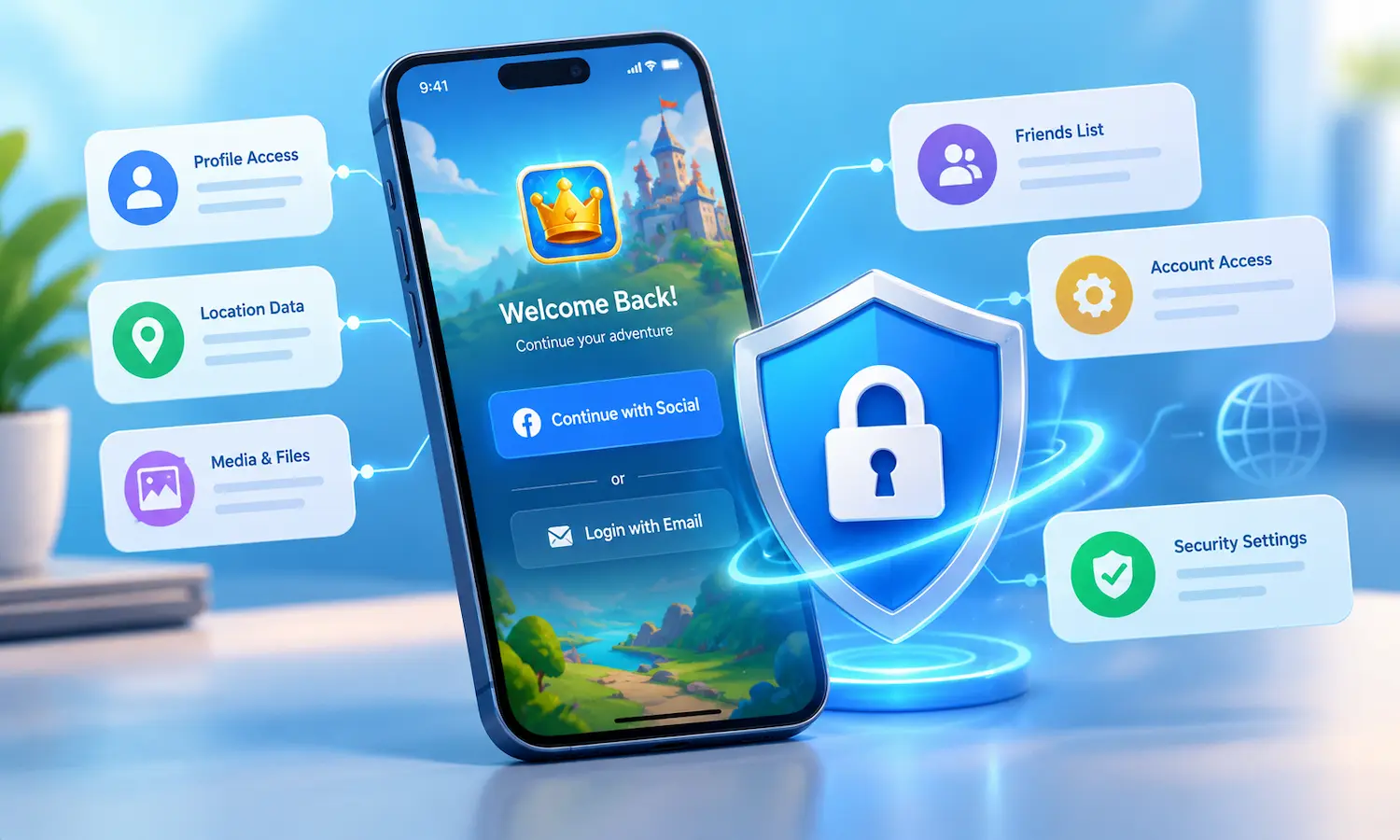
This guide explains how Facebook Login works in mobile games, what information is typically shared, why many games encourage account linking, where you should think twice before connecting your Facebook account.
Gaming Login vs. Standard Facebook Login
Meta actually runs two different login systems that games can use. A standard Facebook Login can request broader permissions — friend list, email, location — depending on what the app asks for and what you approve.
Facebook Login for Gaming specifically is narrower by design: in its most limited form, it shares only your gaming profile name, avatar or profile picture, and an app-scoped ID unique to that game — not your friends list or photos through that channel.
What Actually Gets Shared
| Data Type | Shared via Gaming Login (Limited) | Potentially Shared via Standard Login |
|---|---|---|
| Name / avatar | Yes | Yes |
| Profile picture | Only if you choose your real profile picture as your gaming avatar | Yes |
| Friend list | No | Only if explicitly requested and approved |
| No, by default | Only if explicitly requested and approved | |
| App-scoped ID | Yes — unique per app, not your main Facebook ID | Yes |
Why Games Ask You to Connect Facebook
The main practical benefit is cross-device progress — connecting an account lets you switch phones or reinstall the app without losing your village, kingdom, or trophies.
Some games also use it to enable friend-based features, like visiting or gifting, though that typically requires an additional permission beyond basic login.
How to Review and Limit Access
Open your Facebook Apps and Websites settings:
Facebook Settings lists every app and game currently connected to your Facebook account, along with what each one has access to. Most people find more entries here than they expect — games installed once, played twice and forgotten still hold whatever permission they were granted.
Check what each game can see:
Click into any connected game to view the specific permissions it was granted. What you’re looking for is anything beyond the basics: a game holding your friend list or email address made a broader request than a gaming login requires, and it’s worth knowing which ones did.
Remove anything you don’t actively use:
Revoking access from an old, unused game closes that data connection entirely.
When It’s Worth Being Cautious
FAQ
Can a game see my Facebook friends if I connect my account?
Not through the basic gaming login — that only shares your name, avatar, and an app-specific ID. Friend list access requires a separate, explicit permission.
Does connecting Facebook let a game post on my behalf?
Only if you separately grant posting permission — basic login alone doesn't include posting access.
What happens if I disconnect Facebook from a game I already play?
This varies by game — some keep your progress tied to a separate game account, while others may risk losing cross-device sync. Check the specific game's account settings before disconnecting.
Is it safer to use a game-specific account instead of Facebook login?
It shares less data by definition, though you lose the convenience of Facebook-based cross-device recovery — it's a genuine tradeoff, not a clear-cut answer.
Related Guides:
Disclaimer: Permission behavior reflects Meta’s publicly documented Facebook Login for Gaming system as of this article’s last update date and may change; always check current in-app permission prompts before connecting an account.